
PZ-MK10 One-Touch Teach Laser Sensor
One-touch teach laser sensor with setting distances for light, dark, or no-background conditions.
 🔍 Click to enlarge · 1/11
Technical Specifications
| Model | PZ-MK10 |
|---|---|
| Wiring | 3-wire (black output) |
| Detection Method | Laser, one-touch teach (smart) |
| Setting Distance – Light Background / Reflector | 10-500mm |
| Setting Distance – Dark Background | 10-200mm |
| Detection Distance – No Background (Diffuse Mode) | 200mm |
| Cable Length | 2m |
Overview
PZ-MK10 is a laser photoelectric sensor using background-referenced (teach-in) detection logic: it learns the background first, then flags a target when it appears in front of that background. It is built for production lines where the background is fixed and stable — a conveyor belt, a fixture plate, a wall behind a work station — and where operators need to set up or re-set up the sensor quickly without a technician performing manual distance calibration.
A single push-button teaches the sensor against the actual installed background, with setting-distance ranges specified for three backdrop conditions: 10-500 mm with a light background or reflector plate, 10-200 mm against a dark background, and 200 mm as a standard diffuse-reflective sensor when no background is present. The unit is 3-wire (black output) with a 2 m pre-wired cable.
Features & Benefits
One-Touch Teach for Your Actual Site Backdrop
A single push-button teaches the sensor against the real installed background, with catalog-specified setting-distance ranges for three distinct backdrop conditions rather than one idealized condition.
Light Background / Reflector: Setting Distance up to 500 mm
When a light-colored background or reflector plate is present, the setting distance range extends to 10-500 mm.
Dedicated Dark-Background Range (10-200 mm)
Dark backgrounds are called out separately in the catalog with their own setting-distance range, rather than being lumped in with light-background performance.
Works With No Background at All (200 mm Diffuse Mode)
If there is no background to reference, the unit operates as a conventional diffuse-reflective photoelectric sensor at 200 mm — one sensor covers two operating concepts.
Laser Emitter for a Focused Beam
Uses a laser light source for the detection beam.
Standard 3-Wire Wiring, 2 m Pre-Wired Cable
Black output wire, 3-wire configuration, ready to connect with a 2 m lead — no special connector or wiring scheme to learn.
Pairs With PZ-CM10 for a Two-Tier Detection Lineup
PZ-MK10 (laser, background-referenced) sits alongside the catalog's PZ-CM10 (vision-based feature recognition) as a laser alternative for fixed-background applications; choose PZ-MK10 when the background is stable and choose vision-based detection when target features vary.
Applications
Models & Ordering Information
Standard Model
How to Select
- Confirm the background condition on site to determine the usable setting distance: light background or reflector plate (10-500 mm), dark background (10-200 mm), or no stable background (200 mm, diffuse mode).
- If the target detection distance exceeds 500 mm, or the background changes frequently or cannot stay in place, the PZ-MK10 is not suitable — consider another series instead.
- Confirm NPN or PNP output with the factory before ordering; the catalog does not specify output polarity, and mismatching the customer's PLC input type must be avoided.
- Confirm the installation can meet a static-background requirement: the sensor and its background must not experience strong vibration or displacement.
- In no-background (diffuse) mode, detection performance is reduced for transparent objects and curved/arc-surface objects — flag this limitation for applications with such targets.
- Choose PZ-CM10 instead of PZ-MK10 when target features are complex and vision-based feature recognition is needed rather than background referencing.
- Wiring is 3-wire with a black output line and a 2 m pre-wired cable, matching conventional photoelectric sensor wiring — no special adapter required.
📘 Need the full method? NPN vs PNP Sensor Outputs Explained
When NOT to specify the PZ-MK10 — and what to use instead
Target detection distance exceeds 500mm
Why not: The selection guide states plainly that if the target detection distance exceeds 500mm, the PZ-MK10 is not suitable, since its longest documented setting-distance range is 10-500mm against a light background/reflector.
Use instead: a longer-range diffuse sensor (up to 3 m) or a through-beam pair for longer range
The background or the sensor's own mounting is subject to vibration or repositioning
Why not: The catalog specifies a static-background requirement -- the sensor and its reference background must not experience strong vibration or displacement.
Use instead: a through-beam pair, which does not rely on background referencing
The target is transparent or has a curved/arc surface, with no stable background present
Why not: In no-background (diffuse) mode, the selection guide flags reduced detection performance for transparent and curved/arc-surface objects.
Use instead: a through-beam pair for color/shape-independent detection
Personnel guarding or a safety interlock
Why not: No safety rating is documented for the PZ-MK10.
Use instead: a safety-rated light curtain or safety interlock
Specifications we do not publish yet
We only publish a figure once we are confident it is true. The items below are still being validated through further testing and real-world customer feedback, so for now we would rather leave them open than guess. If one of them matters to your design, ask us for the latest validated status.
- NPN or PNP output polarity is not specified in the current catalog
- Laser class / wavelength
- Response time
- Operating voltage
- Ingress protection (IP) rating
- Operating and storage temperature range
- MTBF or expected service life
- Certification documentation beyond 'available on request'
Frequently Asked Questions
What backgrounds does the PZ-MK10 support, and what setting distance applies to each?
Can the PZ-MK10 operate without a background?
How is the PZ-MK10 set up on site?
What output type (NPN/PNP) does the PZ-MK10 use?
What is the wiring configuration and cable length?
Can the PZ-MK10 be installed where there is vibration or where the background moves?
Can the PZ-MK10 detect transparent or curved (arc-surface) objects well?
How does the PZ-MK10 differ from the PZ-CM10?
What is the light source type?
What certifications does the PZ-MK10 carry?
Related Categories and Example Products
Explore other functions that may be needed in a machine or line. The products below are category examples, not pre-validated electrical or safety combinations. Confirm each interface and application separately: Proximity Sensors · Laser Switch Sensors · Relay & Timer Modules
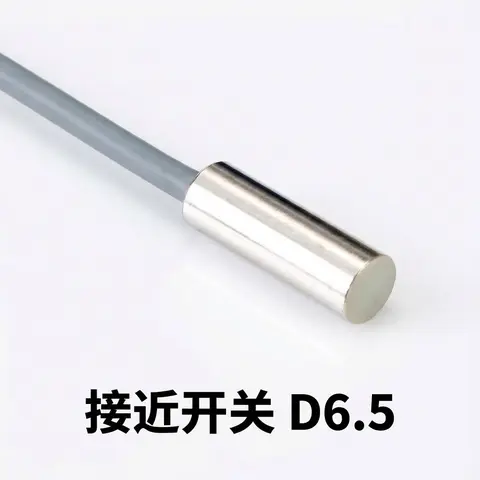
D6.5 Series Inductive Proximity Sensors (Ultra-Short 18mm / Y-Type / 35mm / 45mm)
6.5mm-diameter inductive proximity sensors for tight-clearance mounting where M8 sensors won't fit.
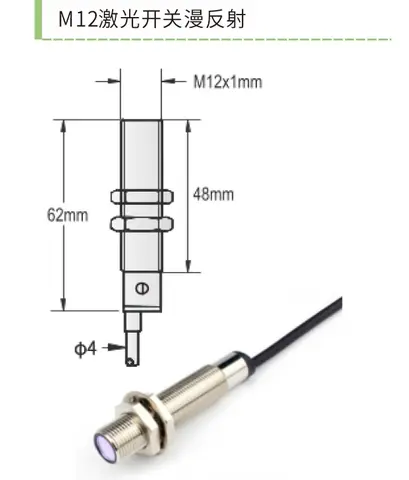
DDSK Laser Diffuse Reflective Sensor M12 / DK Laser Diffuse Reflective Sensor M18
M12/M18 threaded laser diffuse reflective sensor with a visible 650nm red laser for fast alignment.
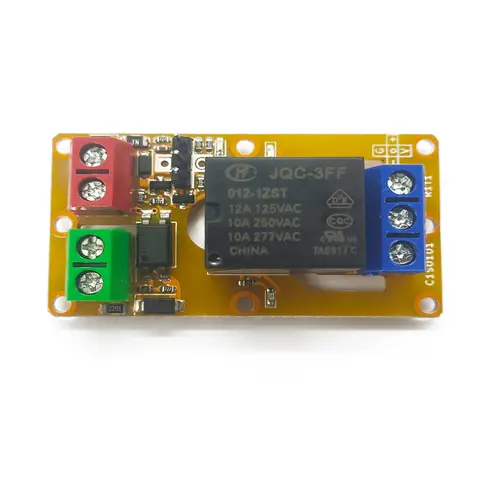
A1J0101 Economical Input Amplifier Module
Optocoupler-isolated input amplifier that turns a low-voltage signal into a 250V AC / 10A relay output.
Related Products in Photoelectric Sensors
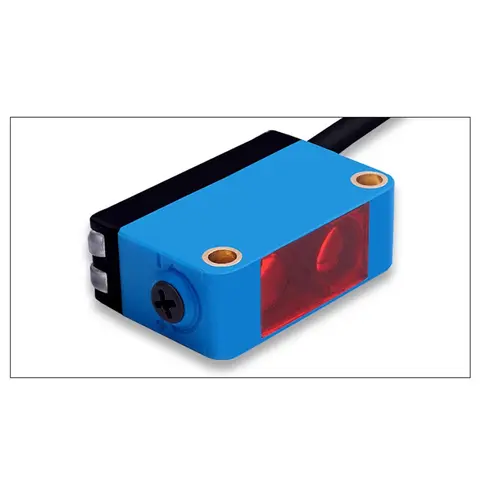
BGS-CX441 / BGS-CX442 Background Suppression Photoelectric Sensor
Wire-adjustable BGS sensor with 2 mm or 15 mm spot, 10-300 mm range, published black/white differential distance.
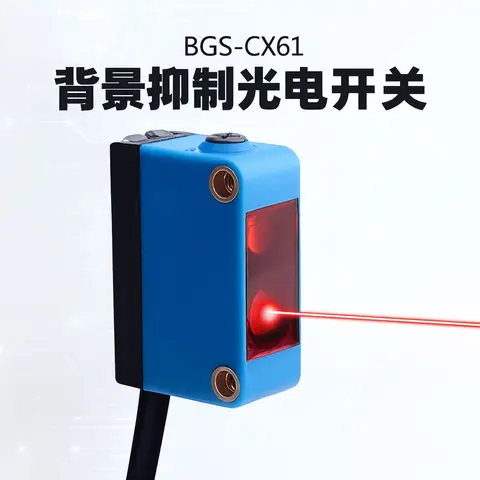
BGS-CX61 Focused-Beam Background Suppression Photoelectric Sensor
2 mm focused-spot BGS sensor that switches strictly by distance, ignoring shiny or close backgrounds.
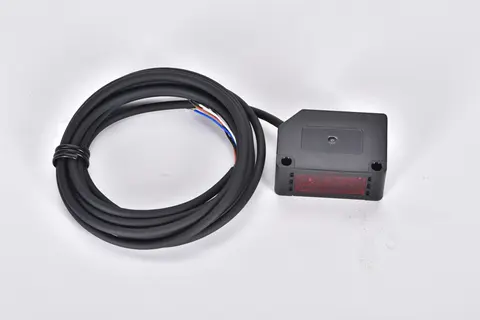
BX Series Long-range Background Suppression (BGS) Photoelectric Sensor
Background suppression photoelectric sensor detecting up to 4 m from one side, no reflector needed.
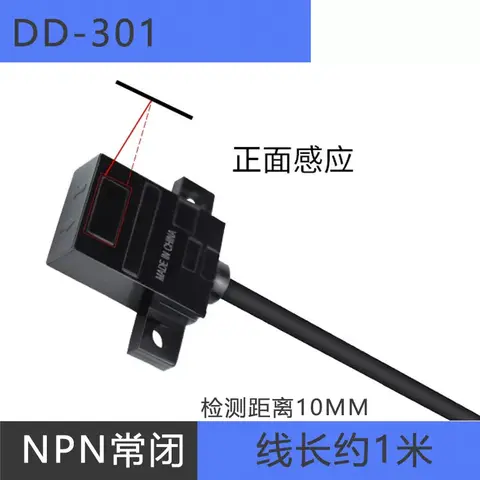
DD-301/401/302/402 Series Reflective Photoelectric Sensor (Wire-lead Type)
Wire-lead NPN reflective sensor, 5mm range, horizontal/vertical mount, Light-ON/Dark-ON logic options.